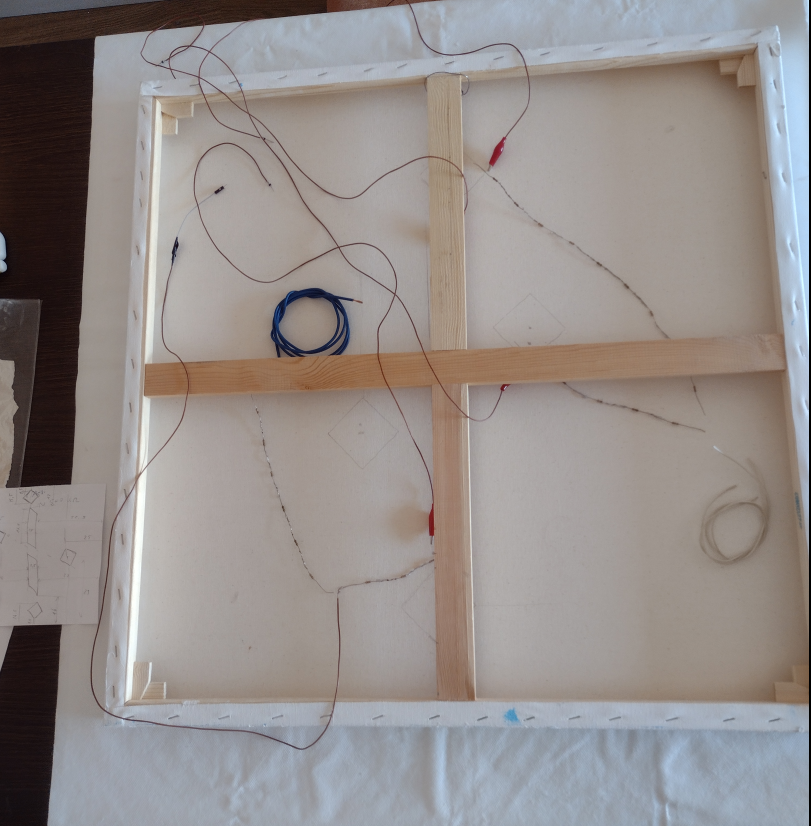
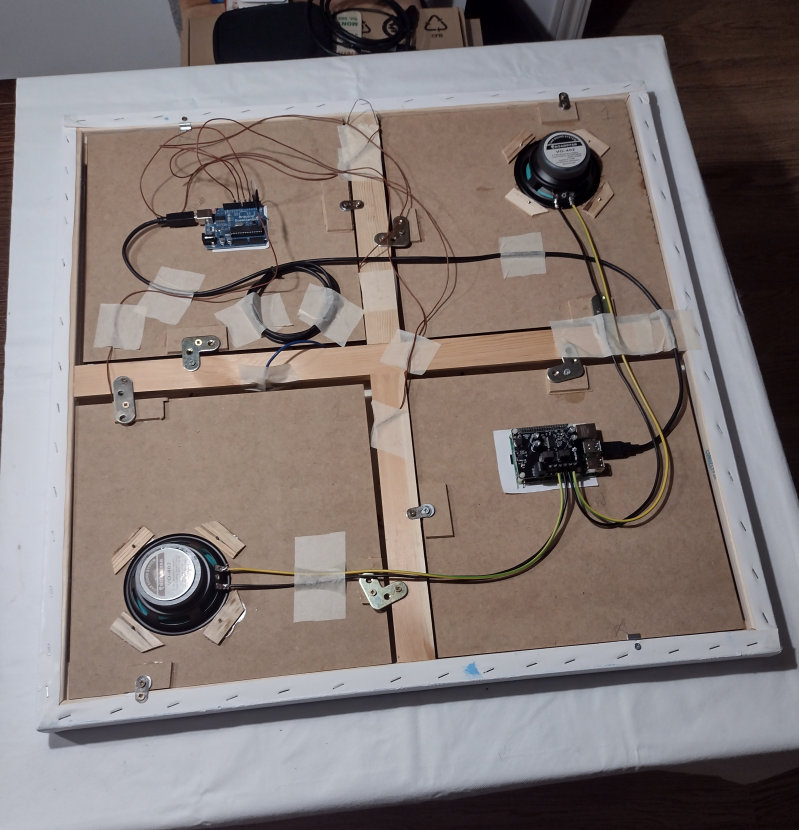
4.1 Arduino Firmware:
The Arduino Uno Rev.3 utilizes the CapacitiveSensor library by Paul Stoffregen to measure capacitance changes. The core initialization in the Arduino sketch is:
CapacitiveSensor cs_sensorX = CapacitiveSensor(sendPin, receivePinX); // For each sensor
Sensitivity is managed through the number of samples taken by the library. Threshold values for sensor activation were determined experimentally via the Arduino IDE Serial Monitor to ensure accurate detection and minimize false triggers.
4.2 Raspberry Pi Software:
Parts of the source code and implementation details of the project are available in the official GitHub repository:
Sounding Canvas – GitHub Repository
.
A Python program running on the Raspberry Pi 4 Model B is responsible for processing sensor data received from the Arduino and triggering audio playback. Key features include:
- Serial Communication: Establishes communication with the Arduino over USB to receive sensor readings.
- Threshold-Based Activation: Detects sensor activation when received values exceed auto discovered thresholds.
- Debouncing: Implements a minimum two second delay between successive activations of the same sensor to prevent rapid re-triggering.
- Randomized Sound Selection: For each of the four sensors, the program intelligently selects one of several distinct sound samples from a corresponding folder. The sounds were created using sustained electric guitar recordings and other digital instruments to provide sonic variety.
- Parallel Playback: Allows for the simultaneous playback of sounds triggered by multiple sensor activations.
4.3 Arduino Interface & Event Manager
The Arduino Interface plays a crucial role in bridging the physical sensing hardware with the higher-level
software logic running on the Raspberry Pi. It collects raw capacitive touch data from the sensor electrodes
mounted behind the canvas and transmits meaningful interaction events to the main system.
The Arduino aggregates CapacitiveSensor data and periodically transmits it over a USB serial
connection to the Raspberry Pi. A custom Python module on the Raspberry Pi acts as a listener and parser for this
serial data stream. The module maintains a queue of recent readings and applies event detection logic to identify
new touch events, sustained contact, or release events.
To ensure responsiveness and avoid false triggers, the system employs a hysteresis mechanism and configurable
thresholds. For example, a touch is only registered if the measured signal exceeds a given activation threshold
for a sustained number of readings. This reduces noise and ensures reliable operation even in environments with
fluctuating electromagnetic conditions.
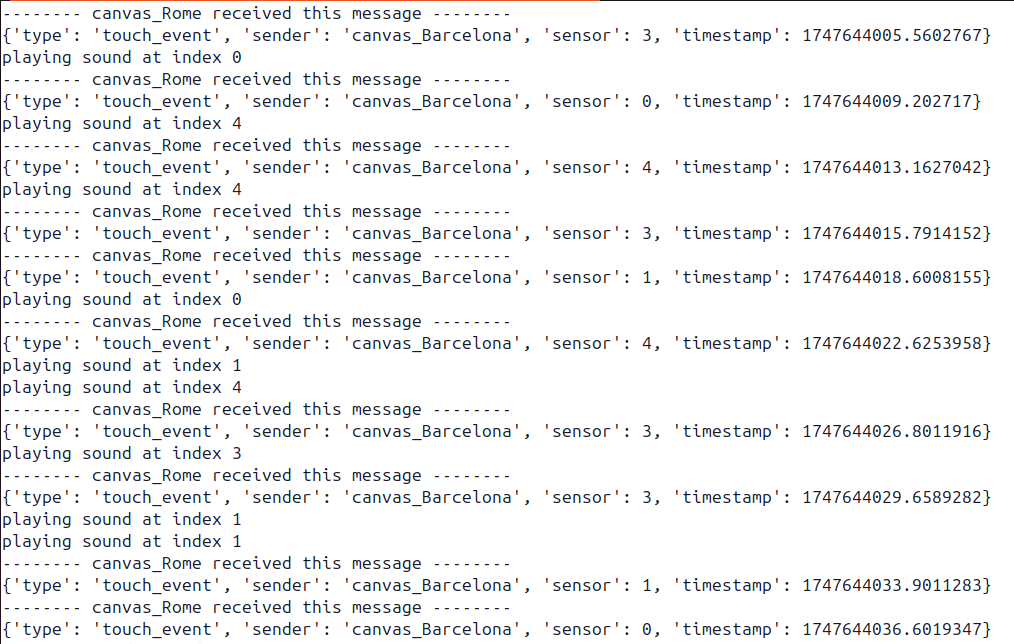
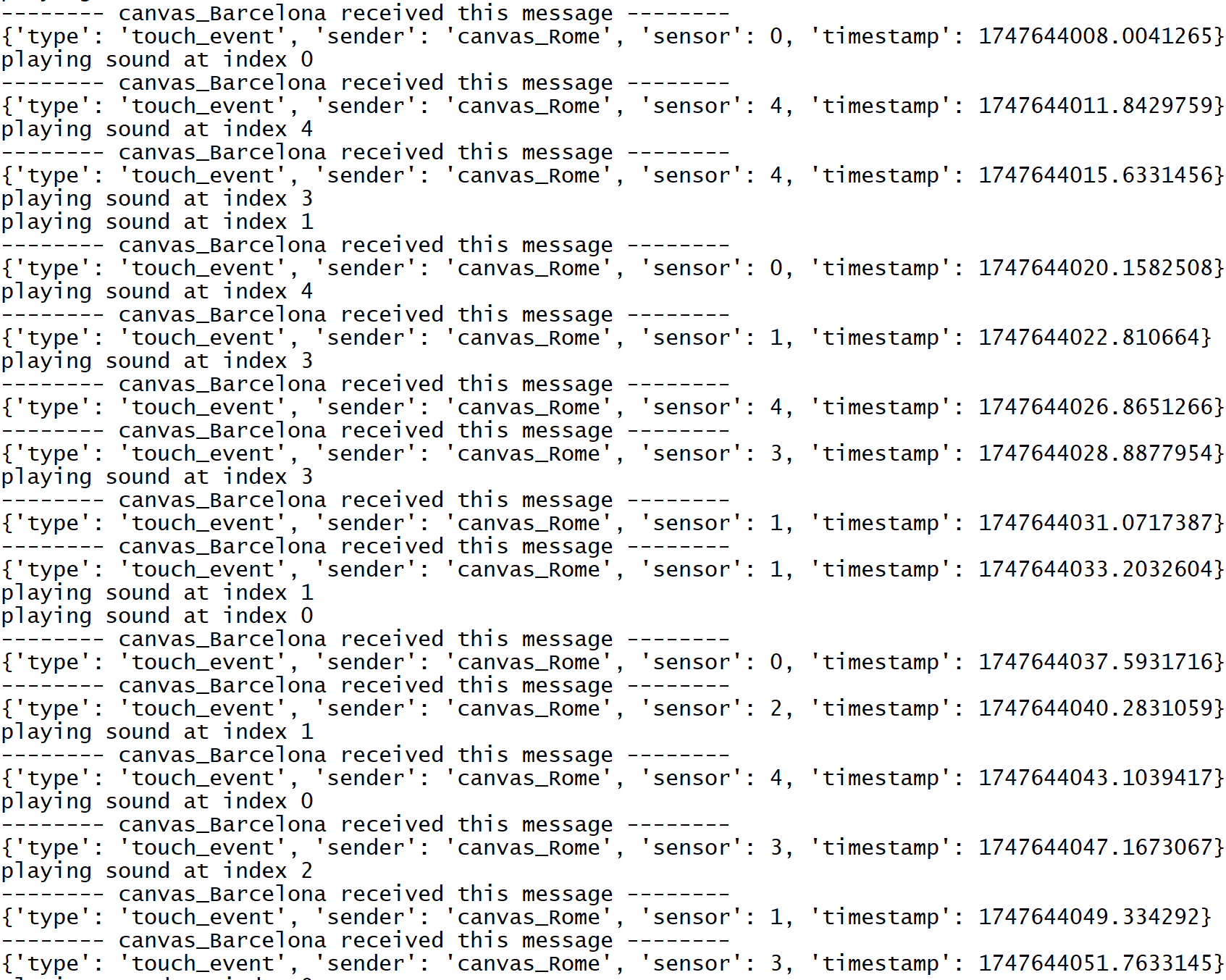
Once events are detected, they are forwarded to the Event Manager, a central coordination module
responsible for triggering corresponding actions within the system. These actions include activating sound
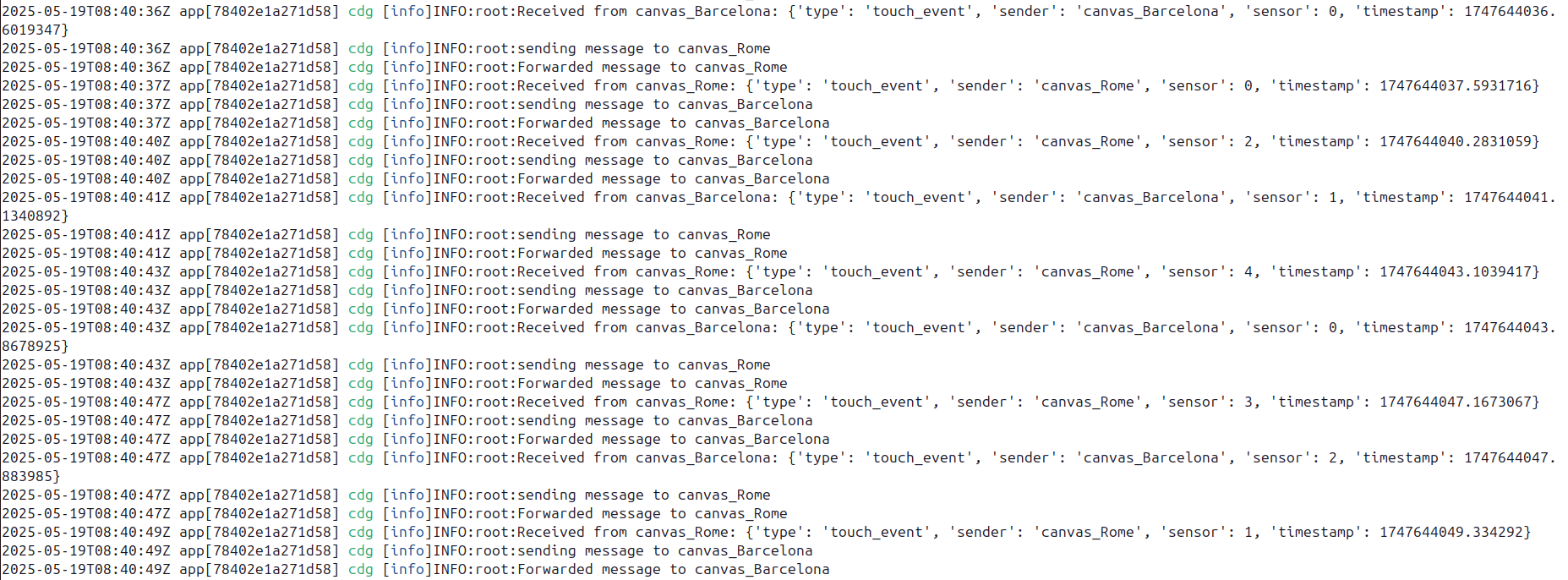
playback through the Audio Engine, forwarding touch events trhough websocket, or logging interaction data.
Beyond simple event forwarding, the Event Manager also performs adaptive learning based on user interaction
patterns. Earlier versions of the system employed adaptive Markov models to infer probabilities
of sequential gestures and transitions over time. This probabilistic model enabled context-aware reactions,
anticipating likely next events and tailoring the sonic or visual response accordingly.
Current development explores the use of Recurrent Neural Networks (RNNs) as a more powerful
approach for modeling and detecting complex, temporally extended interaction sequences. This opens the
possibility of deeper temporal understanding of user behavior, enriching the perceptual and expressive potential
of the artwork.
The modular design of the Arduino Interface and Event Manager ensures a clear separation between low-level
hardware communication and high-level behavioral logic. This makes the system maintainable and extensible, so new
sensor types or behaviors can be added with minimal impact on the overall architecture.